
Problem guide
Purchase orders get created after the invoice arrives
Purchase orders get written after the invoice when the buying happens by phone, by text, on a vendor website or at a supplier's counter, and the PO is an office step done later. ServiceTitan's help center says a technician cannot add a PO once the job is completed. QuickBooks Online will not link a PO dated after its bill, and Intuit's suggested workaround is changing the PO date. Give the people who buy a way to record the order when it is placed.
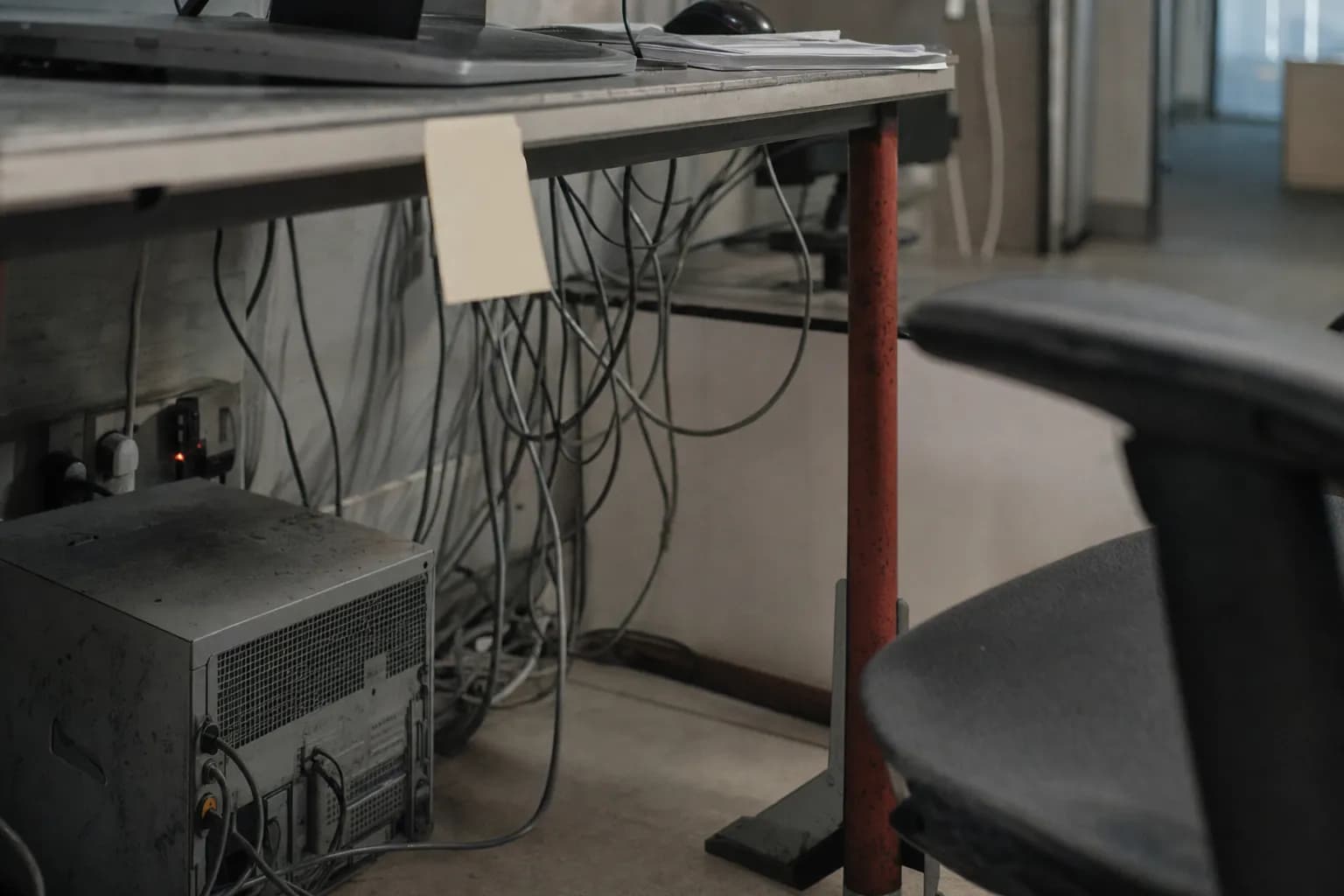
How it actually happens
The order is placed in one place and recorded in another, days apart, by different people.
Take a commercial electrical job as an example. The foreman sees he is short on conduit and fittings for tomorrow's pull. He emails the supplier's counter person he has worked with for years, or calls, and asks for a delivery to the site in the morning. He gives the job name. He has no PO number, because POs are created in the office, and the project manager who approves them is on another site. The delivery arrives, a journeyman signs the ticket, and the ticket goes into the gang box.
A week or two later the supplier's bill arrives in accounts payable with a job name and no PO. The payables clerk emails the project manager, who did not know about the order. She calls the foreman, who confirms it. Then she creates a purchase order to match the bill, line for line, at the prices the supplier charged. If the company runs QuickBooks Online, the new PO is dated today, after the bill, and QuickBooks will not link the two until she changes the PO date. Kojo's 2022 benchmark of electrical contractors is consistent with this picture: small firms said most orders go out by email and phone, and field teams reported back to the office on only a small share of deliveries.
Service work does it faster and smaller. A technician runs to the supply house counter mid-call for a capacitor and a contactor, signs for them on the company account, installs them and closes the job. In ServiceTitan, once the job is completed the technician has no way to add the PO. It falls to the office, which may build it from the parts already on the customer's invoice, or not at all if the parts were never added there.
Other businesses skip the PO from the start. A chef texts the produce rep after close. A clinic's staff order gloves on a vendor website. A city department calls its usual vendor during a storm and sends purchasing a requisition when the invoice comes. In each case the order is real before any record of it exists, and the record, when it comes, is built from the bill.
The cost of this is not mainly the clerk's time. While the bill is in transit, the money is already committed and the office cannot see it. The cost report goes out without the material. Duplicates creep in: a forum post in r/supplychain describes a subcontractor invoice that arrived without a PO number, a second PO created for it and fully billed, and the original PO still sitting open in the vendor's records. Each late PO is a small reconstruction, and nobody checked the price or the need before the item was bought.
What a late PO actually records
A purchase order is supposed to state what the company agreed to buy, at what price, before the money is committed. Procore describes it as a formal financial commitment with the types, quantities and agreed prices. A PO typed from the supplier's bill records what the supplier billed. It will match the bill perfectly, which is exactly why it catches nothing. The goal is not more POs. It is POs that exist before the bill does.
Signs you have this problem
- Accounts payable writes purchase orders to match supplier bills that already arrived
- Bills show up for items nobody in the office knew were ordered
- PO dates get moved back so QuickBooks will link them to the bill
- Job or department cost jumps when a stack of late orders is entered at once, after the report went out
- Nobody can say what has been ordered and not yet billed
What usually causes it
- The people who buy order by phone, email, text, vendor website or at the counter, and the PO lives in an office screen they do not useThe field-to-office split
- Getting a PO number takes an approval from someone who is not there, and the work will not waitApproval drag
- Orders placed without a PO are invisible to the office until the supplier's bill landsThe invisible queue
- The office builds the PO from the bill, retyping what the vendor charged instead of what someone authorizedThe re-entry trap
Find your cause
Ask these in order. The first yes is usually where yours starts.
- Do most late POs trace to counter pickups, phone or text orders, website orders or emergency buys?If yes: the order starts where the PO screen is not. Give each job or department a block of numbers and turn on PO entry where the buying happens.
- Does getting a PO number require someone who is not there to approve it first?If yes: the approval is slower than the work. Set a dollar line below which the buyer records the order and the review happens after.
- Does accounts payable first hear about a purchase when the bill arrives?If yes: open orders are invisible. Start the weekly open-commitments list.
- Do clerks change PO dates so QuickBooks will link them?If yes: your PO dates no longer show when orders were written. Measure from the created timestamp or the audit log.
- Are POs added to jobs after the job is closed?If yes: the PO is not part of closing the job. Make an open purchase a reason the job cannot close.
How it breaks in each industry
- Electrical contractors
- Material is ordered from the job by email or phone, often in several releases, and deliveries arrive split across days and signed by whoever is on site. The packing slip stays in the gang box, so the office learns the order existed when the supplier bills it.
- HVAC and plumbing service
- A technician runs short mid-call and picks up parts at the supply house counter on the company account. In ServiceTitan the technician can add a PO from the job while it is open, but once the job is completed only an office user can attach one.
- General contractors and commercial subcontractors on Procore
- Procore will not let a subcontractor invoice exist without an approved commitment, so that side of the order is enforced. Supplier bills for material are still keyed in the accounting system, and Procore purchase orders sent to Trimble Spectrum arrive as subcontracts rather than in Spectrum's PO module.
- Restaurants and hospitality
- The chef texts the produce rep and the meat supplier after close. The order arrives with an invoice on the truck, and the first record the office has of it is that invoice in the manager's folder, so food cost is known only after the bills are keyed.
- Healthcare practices and clinics
- Staff order supplies on vendor websites with a practice login or card. The office manager learns what was bought from the card statement or the vendor invoice, and builds the purchase record from it, if anyone builds one at all.
- Local government and community organizations
- A department buys in an emergency or from a vendor it always uses, then sends purchasing a requisition after the invoice arrives. Purchasing issues a PO to match, and the record shows an approval that came after the money was already committed.
Where it breaks between systems
- ServiceTitan purchasing (after the job closes)
- ServiceTitan's purchasing FAQ says there is no option for a technician to add a PO after a job is completed, while an office employee can if the account is configured for it. Every PO the field forgot becomes office work.[1]
- ServiceTitan Field Mobile App
- With the right permissions a technician can open the job and add a purchase order from the phone, and the office reviews, sends and tracks field-created POs from Inventory, Purchase Orders. The path exists but is off unless someone grants it.[2]
- ServiceTitan POs placed outside the system
- For an order already given to the vendor by phone or email, ServiceTitan offers Create as Sent, which sets the status without sending anything. The Date Created is set by the system and the PO number cannot be edited, so the record shows when it was really entered. Copy Invoice Items builds a PO from parts already on the customer's job invoice, with cost set to zero so the bill supplies it.[3]
- ServiceTitan bills and average cost
- With automatic bill creation on receipt turned off, the bill is created by hand when the vendor invoice arrives. ServiceTitan warns that a wrong price on that bill changes the item's weighted average cost, which then has to be corrected by hand.[2]
- ServiceTitan 3-Way Match
- The match compares POs, receipts and vendor bills, needs account configuration, and does not look at bills with no PO at all. A purchase that never had a PO sits outside the check.[4]
- QuickBooks Online (PO date rule)
- QuickBooks Online will not link a PO to a vendor bill when the PO is dated after the bill. In the community thread, Intuit's team said the restriction cannot be overridden and suggested aligning PO dates, which erases the record of when the order was really written.[5]
- QuickBooks Online (closing POs)
- Intuit's help article says a PO closes automatically once all its quantities have been added to bills, expenses or checks, and stays closed if it is later removed from the bill. A PO linked to the wrong bill drops off the open list.[6]
- Procore Invoicing
- Subcontractor invoices originate from commitments, and a commitment has to be in Approved status before an invoice can be created against it. In Procore the order comes first by design, so the late-PO problem moves to supplier bills keyed in the accounting system.[7]
- Procore and Trimble Spectrum
- Purchase orders created in Procore export to Spectrum as subcontracts and do not integrate with Spectrum's purchase order module, so a supplier bill matched in Spectrum's PO module has nothing from Procore to match against.[8]
- Housecall Pro purchase orders
- Purchase orders come only with the HVAC, Electrical and Plumbing packages, status is updated by hand, and a field technician who builds a PO sees Send to Admin instead of Send. The article does not describe matching a supplier bill to the PO.[9]
- Sage 100 Contractor
- If the invoice is changed instead of the PO, Sage shows a reminder that the PO does not match the invoice on that line and asks whether to file anyway, and the PO does not update.[10]
By the numbers
| Figure | What it measures |
|---|---|
| 70% and 12%[11] | Share of small electrical contractors (10 to 50 employees) that place orders or request quotes from suppliers by email and by phone; 16% use software, an app or a website. Kojo 2022 Electrical Contractors Materials Purchasing Benchmark, about 379 mostly commercial firms (vendor survey). |
| 16% vs 76%[11] | Share of deliveries per week for which field teams send updates back to the office: small firms against firms with 250 or more employees. Same Kojo survey. |
| 34%[11] | Average share of deliveries to the field that arrive with issues, as reported by the same electrical contractors. |
| 20% to 40%[11] | Share of purchasing managers' time spent processing POs, counting data entry, emails and phone calls. Same Kojo survey. |
Rules that apply
- 48 CFR 32.112-1(a)(1), subcontractor and supplier nonpayment[12]
- On a federal construction contract, when a supplier says the prime has not paid under the purchase order, the contracting officer may determine whether final payment complied with the terms of that subcontract or purchase order. A PO written from the supplier's own bill is weak evidence of what was agreed. No private-work rule requires a PO before the invoice; it is an internal control.
Measure it in your own shop
From: Supplier bills entered over the last 60 days, your PO list with the created date and created-by fields (ServiceTitan shows both on every PO), and in QuickBooks Online the audit log for POs whose dates were changed.
- Export the bills with bill date, entry date, vendor, job or department and amount.
- For each bill, find its PO and the date the PO record was created. Mark the bill late if the PO was created after the bill date, and mark it no-PO if none exists.
- Group the late and no-PO bills by who placed the order and how: counter, phone, text, email, website or emergency.
- Add up the POs sent to suppliers that have no bill yet. That is your open commitment total.
Reading it: The late share tells you how often the PO is paperwork rather than a control. If one channel, such as counter pickups or website orders, holds most of them, fix that channel first. The dollars on late and no-PO bills are spending nobody checked before it was committed.
What does not fix it
- A no-PO, no-pay rule
- If the person spending the money cannot get a number where they buy, the rule punishes suppliers and staff for a process gap. Set up the path for the buyer first, then enforce.
- Three-way matching software
- A PO typed from the bill matches the bill by construction, so the check passes. ServiceTitan's own 3-Way Match does not look at bills with no PO at all.
- Backdating POs so they link
- It gets the link to work in QuickBooks and destroys the one date that showed when the order was really written.
- Another payables clerk
- A second clerk writes after-the-fact POs faster. The order still is not recorded before the money is committed.
What to try this week
- Count late POs by their created dateFor one month, list every supplier bill whose PO was created after the bill date. Use the date the PO record was created, not the PO date field, which may have been moved back to make the link work.
- Give every job or department a block of PO numbersNumber POs from the job or cost center, such as the job number plus 001, 002 and so on, so whoever is on the phone with the supplier can quote a valid number without calling the office first.
- Switch on PO entry where the buying happensIf your field app or purchasing system lets the people who buy create a PO, grant that permission to them, and have the office review those POs every afternoon.
- Record phone and text orders as already placed, the same dayWhen an order went to the supplier by phone, text or website, enter the PO that day marked as already sent. The record is late by hours instead of weeks, and the open commitment shows before the bill does.
- Review open commitments weeklyKeep a list of POs sent but not yet billed, with amounts. It is what you owe before the bill arrives, and it catches bills that never come.
Where do-it-yourself stops
These steps make late POs visible and shrink the gap between the purchase and its record. They do not put the purchase, the approval and the accounting record into one step, so the habit comes back on the busiest weeks. The lasting fix is a tool built around your suppliers, your jobs or departments and your accounting system, so the order is recorded where and when the buying happens. That is what a Workflow Spec designs.
Questions people ask
Can we create a purchase order after we receive the vendor invoice?
The software lets you. ServiceTitan has Create as Sent for orders already placed outside the system. But a PO written after the bill is a record of what the supplier charged, not a check on what someone approved.
Why does QuickBooks Online refuse to link a PO we entered late?
QuickBooks Online will not link a PO dated after the bill. Intuit's team said in its community that the restriction cannot be overridden and suggested aligning PO dates, which is why so many PO dates in QuickBooks are not the day the order was written.
Can technicians create purchase orders from the field?
In ServiceTitan, yes, with the right permissions, while the job is open; after completion only the office can add one. In Housecall Pro a technician can build a PO, but it goes to an admin to send, and the feature comes only with the HVAC, Electrical and Plumbing packages.
Should we refuse to pay supplier bills that have no PO?
Only after the people who buy have a quick way to get a PO number. Otherwise the rule holds up suppliers who did nothing wrong and teaches staff to call the office for every small purchase.
Is a late or backdated PO a compliance problem?
On private work, no statute requires a PO before the bill; it is your own control. On federal construction, a contracting officer reviewing a supplier's nonpayment claim may look at whether you paid according to the purchase order, so the PO should say what was actually agreed.
Next step
How we fix this
This guide is how to find it and work around it. If it keeps coming back, it is rarely the only thing costing you. We come on site, find the issues costing you the most, and fix them, starting with the most pressing.
Fox & Santiago, Genesee, Idaho. We work nationwide, for clients across the United States, from our headquarters in Genesee, Idaho.