Problem guide
Parts get ordered twice
Parts get ordered twice when more than one person can order for the same job and nobody can see what is already on order. Keep one visible list of open orders by job, name who orders for each job, and check that list before any order goes out.
What it usually looks like
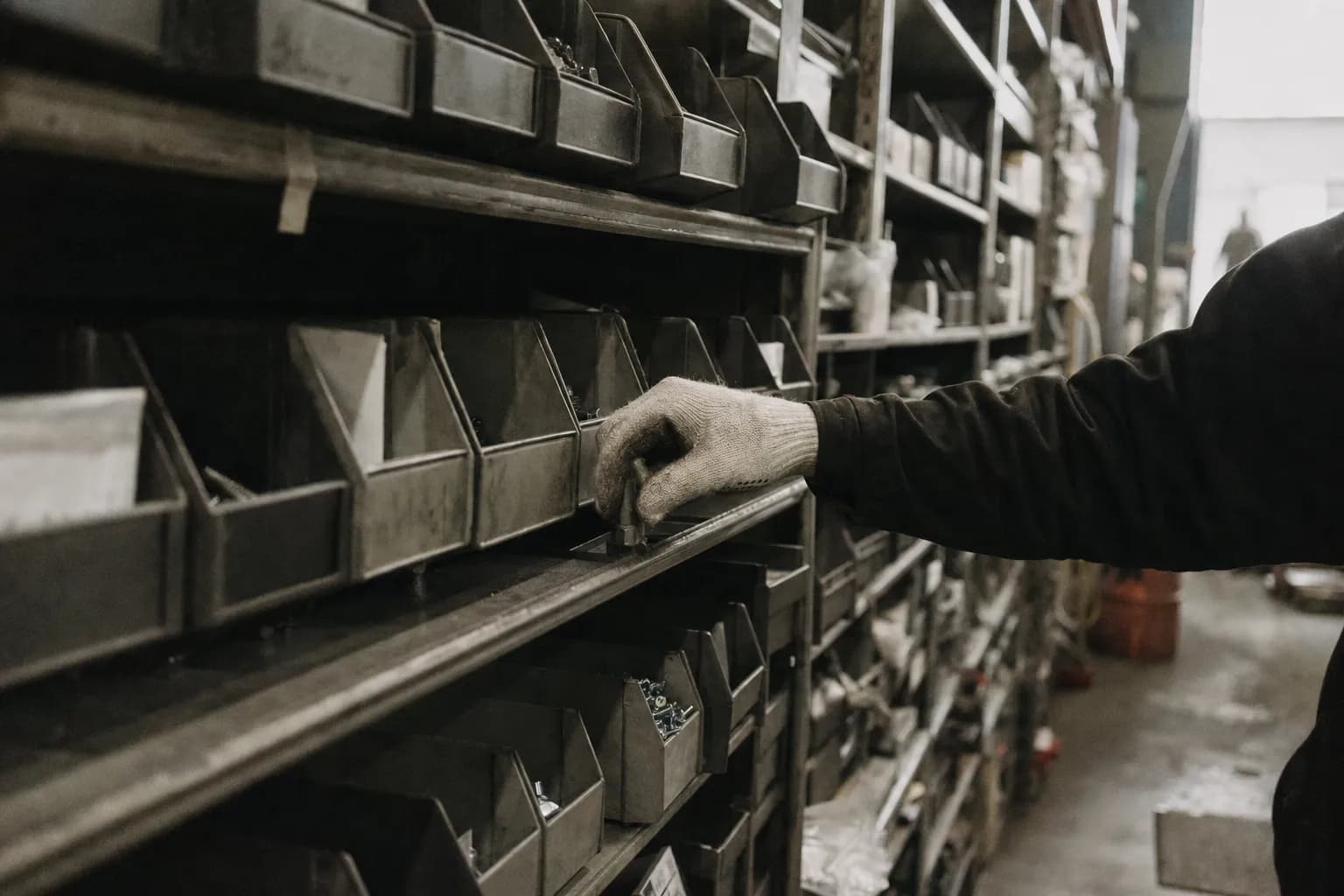
A compressor fails on a rooftop unit. The technician calls the supply house from the roof and asks them to hold one. That afternoon the service manager, reading the ticket, orders the same compressor from the regular vendor for next day delivery. The buyer sees the vendor confirmation but not the supply house call. Both compressors arrive. The technician installs the one he picked up. The second sits in the stock room with a packing slip that names no job, and three weeks later someone finds it and has to work out whether it can still go back.
Signs you have this problem
- Two boxes of the same part arrive for one job a day apart
- The technician orders from the supply house while the office orders the same part from a vendor
- Returns of unused parts pile up in the stock room with no job attached
- Someone reorders a part that already arrived because nobody told them it came in
What usually causes it
- The technician, the service manager and the buyer can all order, and nothing says who owns the order for a jobThe handoff gap
- Open orders live in email, texts and vendor portals, so nobody can see what is already comingThe invisible queue
- Receiving does not record against the job, so a part that arrived still looks missingThe field-to-office split
What to try this week
- Count the duplicates for a monthGo through the last month of orders and returns. Mark every part that was ordered twice for the same job, and note who placed each order and how.
- Name one orderer per jobDecide that each job has one person who places its orders. Everyone else asks that person instead of ordering directly.
- Keep one open orders listPut every open order on one shared list with the job, the part, the vendor and the expected date. Check it before placing any order.
- Mark arrivals on the same listWhen a part arrives, whoever receives it marks it arrived on the list with where it was put. A part that arrived should never look missing.
Where do-it-yourself stops
These steps cut duplicates by making open orders visible and giving each job one orderer. They depend on everyone checking a list by hand, which slips on busy days. A lasting fix needs a tool built around your own jobs, vendors and purchasing system, so an order, its arrival and the job it belongs to are visible to everyone who might order. That is what a Workflow Spec designs.
Questions people ask
Why do parts get ordered twice?
Because more than one person can order and none of them can see what the others already ordered or what already arrived.
Should only the office be allowed to order?
Not always. Technicians often need parts fast. The fix is one owner per job and one visible list, not taking ordering away from the field.
Is the cost just the extra part?
No. There is the time spent returning it, restocking fees, and parts that sit unused until they are obsolete. Measure your own returns to see the size.
What about parts ordered for stock, not a job?
Treat stock orders the same way. One person orders for the stock room, and open stock orders go on the same list.
How do we know it is getting better?
Keep counting duplicates each month. The count should drop within a few weeks of naming owners and using the list.
Next step
How we fix this
This guide is how to find it and work around it. If it keeps coming back, the fix is usually a tool built around how your crew already works.
Fox & Santiago, Genesee, Idaho. Home territory: the Inland Northwest, where we respond fastest. We fly anywhere in the United States for paid engagements.