Problem guide
Schedule and budget reports are always out of date
Schedule and budget reports go stale because someone builds them by hand from several systems, so they are only as current as the last time that person had time. Decide which few numbers each job report really needs, pull them on a fixed day from the same sources, and date every report so readers know how old it is.
What it usually looks like
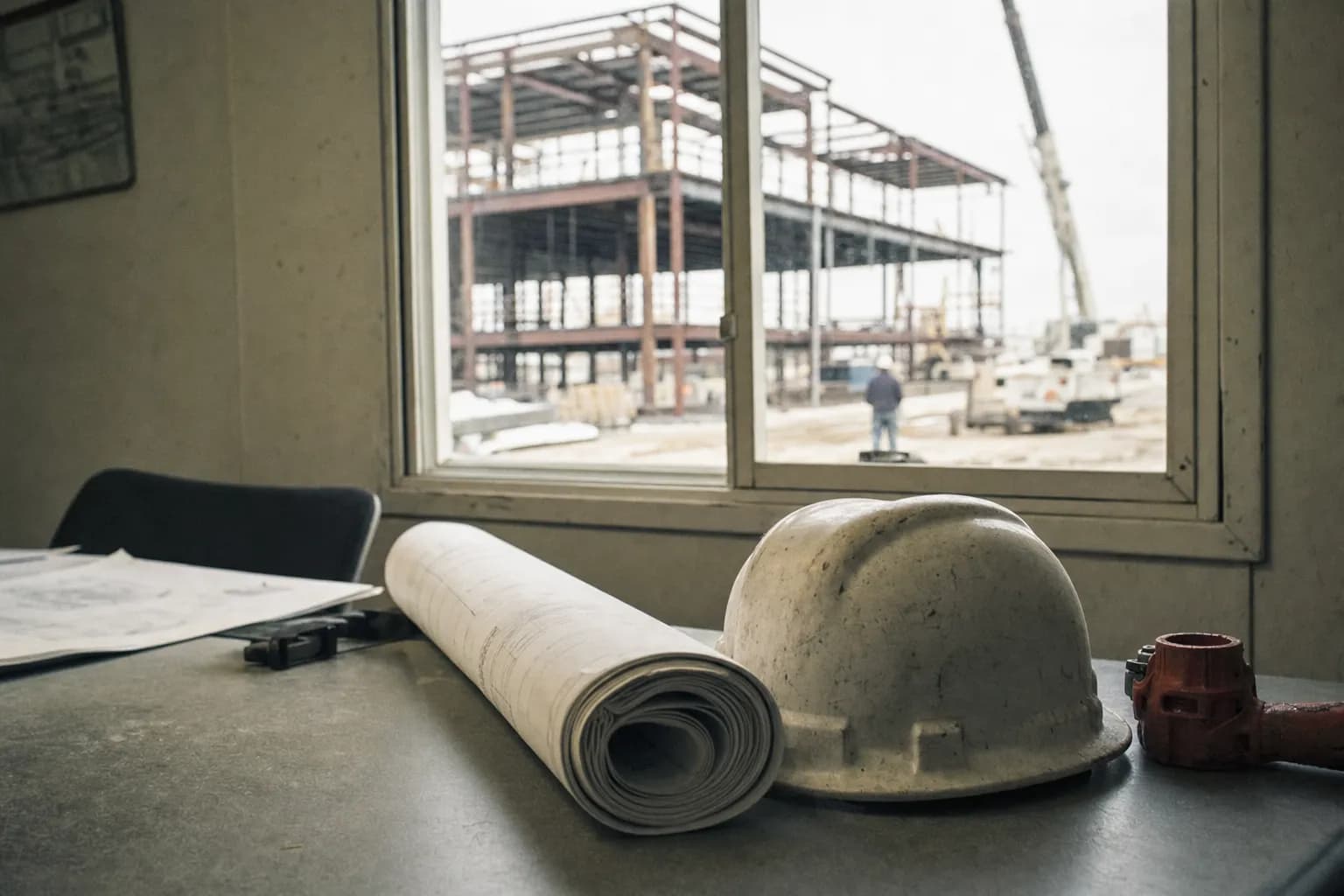
An industrial contractor sends the owner a monthly report on each job with a schedule chart, budget, cost to date and forecast. The project coordinator builds it by copying from the scheduling file, an accounting export and each project manager's forecast spreadsheet. The scheduling file was last updated three weeks ago. The accounting export is from the tenth. One forecast is from last month because its project manager was on site all week. The report goes out on the fifteenth looking precise, and the owner's first call is to ask why the schedule shows work that finished weeks ago.
Signs you have this problem
- The project report shows a schedule that the site stopped following weeks ago
- Budget numbers in the report do not match what accounting or the project manager says
- Owners and executives stop reading the report and call the project manager instead
- Someone spends a day or more each month rebuilding the report by copying from other files
- Nobody can say what date the numbers in the report are actually from
What usually causes it
- Report numbers are copied by hand from the schedule, accounting and project files into one documentThe re-entry trap
- Progress on site reaches the schedule and the budget only when a project manager updates themThe field-to-office split
- Different sources update on different days, so the report mixes numbers from different weeksThe exception swamp
What to try this week
- Date-stamp every number for one reportTake your latest project report and write next to each number where it came from and what date it reflects. The spread of dates shows how stale the report really is.
- Cut the report to what gets usedAsk the people who read the report which numbers they act on. Keep those, drop the rest, and ask what is missing that they now get by phone.
- Set one cutoff day for all sourcesPick a day each week or month when schedule updates, cost to date and forecasts are all due, and build the report from that snapshot only.
- Write the build steps downDocument where each number comes from and how it is pulled, so the report can be built by more than one person and in the same way every time.
- Print the as-of date on the reportShow the date the numbers reflect on the front of every report. Readers trust a report more when they know how old it is.
Where do-it-yourself stops
These steps make your reports consistent and honest about their age. They do not remove the hand copying from your schedule, accounting and project files into the report, so it still costs someone a day each cycle and still lags the site. A lasting fix is a tool built around your own scheduling, cost and field systems, so the report reads current numbers from where they already live. That is what a Workflow Spec designs.
Questions people ask
Why are our project reports always out of date?
Because they are built by hand from several sources, each updated on its own timing, by someone who also has other work to do.
How often should schedule and budget reports be updated?
As often as someone acts on them. Weekly suits many active jobs, monthly suits others. A fixed cutoff day matters more than the frequency.
Why do the budget numbers not match accounting?
Usually because the report and accounting were pulled on different days or include different costs, such as commitments. Date and label every number.
Should we just buy a dashboard?
A dashboard shows whatever data it is given. If the numbers still have to be retyped from several places first, it will be stale in the same way.
What does a stale report cost us?
Decisions made on old numbers, and a project manager who spends time answering calls the report should have answered. Measure how old your own numbers are first.
Next step
Want this fixed for good?
This guide is how to find it and work around it. If it keeps coming back, the fix is usually a tool built around how your crew already works. Start with a free twenty-minute fit call.
Fox & Santiago, Genesee, Idaho. Home territory: the Inland Northwest, where we respond fastest. We fly anywhere in the United States for paid engagements.