Failure pattern 01
The re-entry trap
The re-entry trap is when the same information is typed by hand twice: once where the work happens and again into the system that bills, schedules or reports on it. Every second entry costs office hours, adds errors, and delays the money.
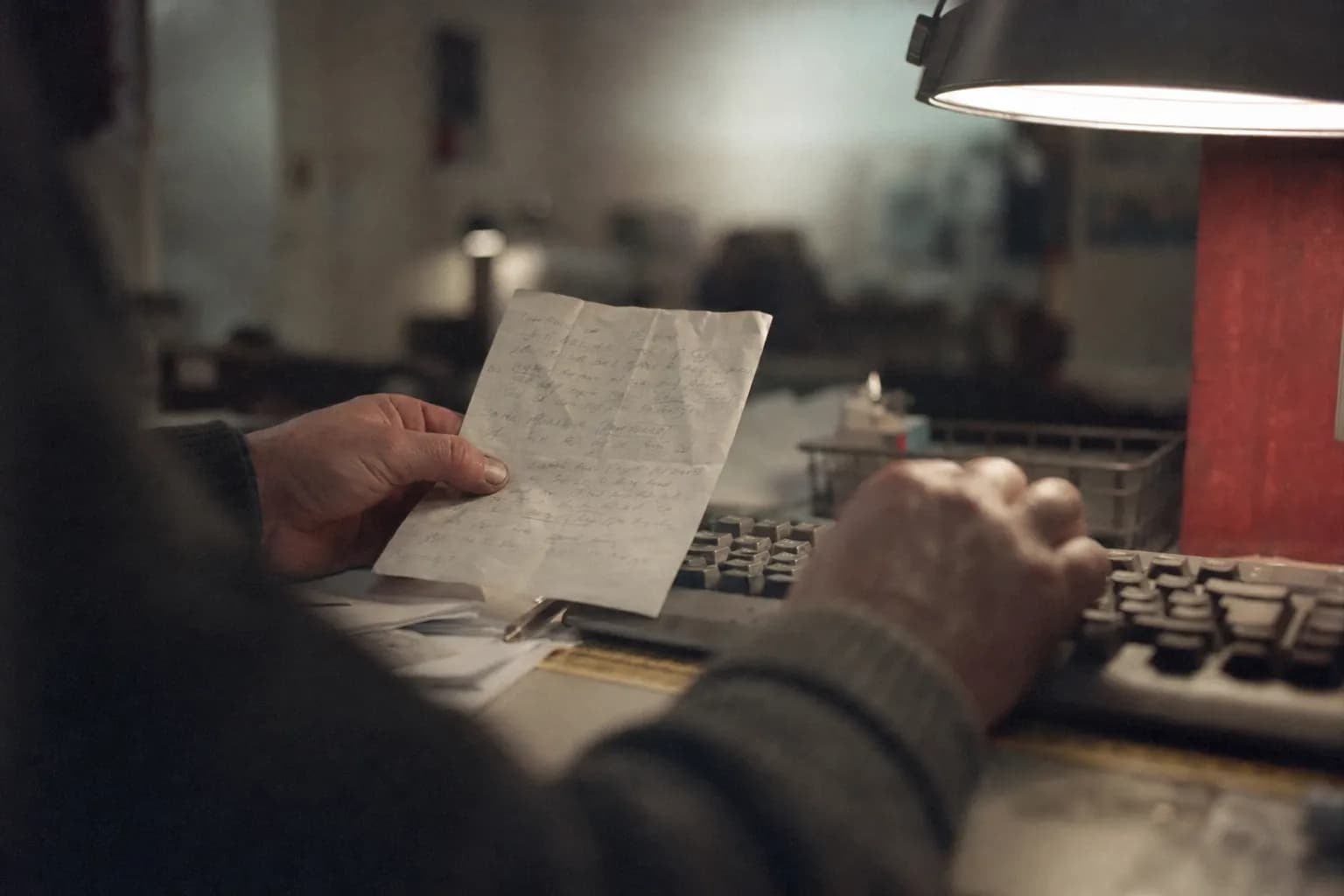
What it looks like
A technician fills in a paper ticket or a phone form at the end of a job. That evening or the next morning, someone in the office opens it and types the same hours, parts and notes into the billing or job-costing system. Sometimes it is typed a third time into a customer report.
The information was complete the moment it was captured. Everything after that is copying.
How to tell you have it
- Someone in the office spends part of every day reading one screen or piece of paper and typing into another.
- Invoices wait on "getting the tickets in".
- Errors are found by the customer, not by the company.
- When asked why it works this way, the answer is "the two systems don't talk".
What it costs
The visible cost is office hours. The larger costs are the ones nobody tracks: invoices that go out days later than they could, numbers that do not match between systems, and good people spending their time as a transfer cable.
What fixes it
Not a new platform. A bridge: a tool that accepts the information in the shape the crew already produces and delivers it, cleaned and checked, in the shape the receiving system accepts. Exceptions it cannot handle are flagged to a person instead of guessed.
What does not fix it
Asking the crew to type into the office system directly usually fails. The office system was built for the office. Crews go back to paper, and now the company has two partial records instead of one complete one.
Questions people ask
What is the re-entry trap?
It is the pattern where information captured in one place, usually the field or the shop floor, has to be typed again by someone else into the system of record. The second entry is pure cost: it adds no information, only delay and the chance of a typo.
How do I know my company has it?
Look for anyone whose job includes reading a form, a photo, a text message or a spreadsheet and keying it into another screen. Timesheets, job tickets, inspection notes and change orders are the usual places.
Why not just buy software that does everything?
Because the trap usually lives between two systems that each work fine on their own. A bigger replacement moves the gap instead of closing it, and crews often keep their old habits while the new system goes unused.
What does fixing it look like?
One small tool takes the information in the shape it is captured and hands it to the system of record in the exact shape that system accepts, so nobody retypes it. The crew keeps working the way it already works.
How do you measure whether the fix worked?
By counting how many eligible jobs complete the new path without a second entry, from the client's own job records, not from what entered the new tool. That number is written into the contract before the build starts.