
Problem guide
Truck stock never matches the system
Truck stock drifts because the record moves only when somebody enters a movement: a part pulled on a call, a restock from the warehouse, a swap between two vans. Every movement nobody keys in opens a gap. The same is true of any stock kept away from the main location, like a clinic supply room, a restaurant line or a satellite warehouse. BuildOps says it on its own product page: stock counts reflect what has been entered, and physical counts need a manual reconciliation step. Record movements where they happen and count a few fast movers in each location every week.
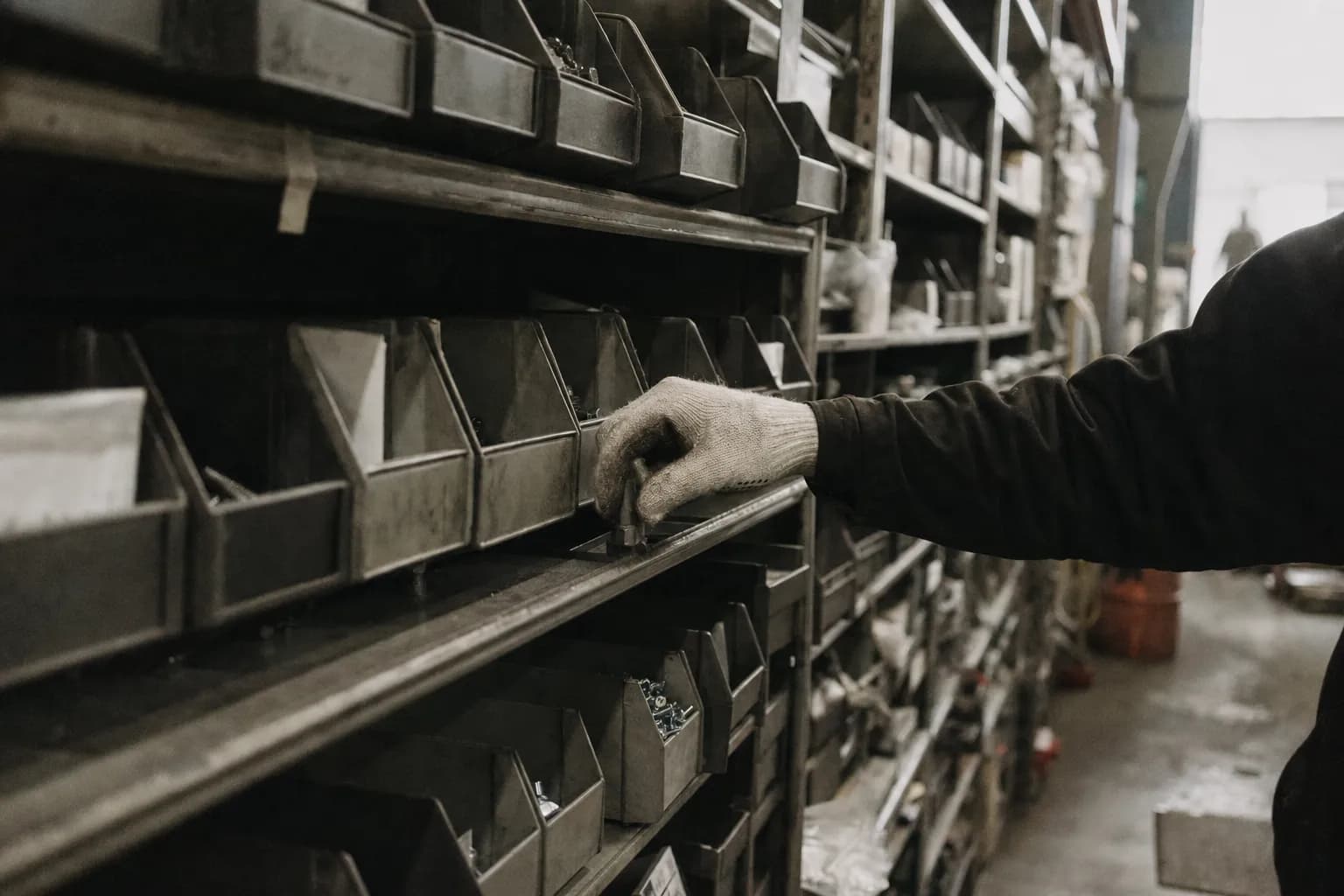
How it actually happens
Truck stock has four owners, and none of them sees the whole picture. The warehouse lead loads the truck. The technician pulls parts on calls and borrows from other vans. The office or purchasing person reorders. The bookkeeper sees material only as dollars on a bill. The count on the truck is right only if every one of them records every move they make. A clinic supply room, a restaurant line and a branch warehouse have the same four owners under different titles.
Take a typical week on one residential service van, as an example. Monday morning the warehouse restocks it from Friday's replenishment list, but two of the boxes go on after the lead has already closed out the transfer in the system. Tuesday the technician replaces a capacitor and adds it to the invoice as a generic capacitor line rather than the exact part number, so the specific item never comes off the truck record. Wednesday a coworker runs short on a Saturday call and takes three fittings from this van in the yard. Thursday a warranty swap goes on a zero-dollar invoice that nobody finishes. By Friday the system and the bins disagree on six items, and nothing on the screen says so.
The software does exactly what it was told. In ServiceTitan, a part comes off the truck when the technician selects it and picks the truck as the location; a generic item or a missed line skips that. Where the field app hands stock to the accounting package, as ServiceM8 and Jobber describe, quantity drops only when the invoice syncs. A part used on a call that never gets invoiced never leaves the books at all.
Then the office tries to fix it from the other end. Replenishment refills what the invoices say was used, not what actually left. The location gets restocked for items it no longer needs and stays short on items nobody recorded. The next physical count shows a pile of differences, someone adjusts them all in one go to make the numbers right, and the causes stay exactly where they were.
The fastest way to see this is to put the bins and the record side by side for a handful of items every week. The gap almost always runs in one direction for a given location, and the direction tells you which of the four owners is skipping the record.
Why one count a year hides it
A full count once a year finds a year of small misses at once, long after anyone can remember the call, the swap or the box that came off the shelf late. Adjusting the whole difference away makes the report look right for a week. Counting ten fast movers every week finds a miss while the person who used the item still knows where it went, which is the only time it can be fixed at the source.
Signs you have this problem
- Someone opens a bin the system says holds five parts and finds none
- Physical counts of a truck or a stock room turn up items the system has never heard of
- People keep a private stash because they do not trust the restock
- The office adjusts counts in bulk after every count and nobody can explain the difference
- The system shows a negative quantity at a location for an item that was just used
What usually causes it
- Items used on a job or order reach the invoice or usage record late, as a generic item, or not at all, so the location's record never dropsThe field-to-office split
- Restocks and swaps between locations happen by hand and get typed in afterward, if anyone remembersThe re-entry trap
- Nobody sees a location's variance until the next full count, so small gaps pile up for monthsThe invisible queue
- People are allowed to use or bill items the record says the location does not hold, and nobody works the list of locations that went below zeroThe exception swamp
Find your cause
Ask these in order. The first yes is usually where yours starts.
- Does the system usually show more of an item than the bin or shelf holds?If yes: items are leaving without reaching the invoice or usage record as the right item. Check generic lines, warranty or no-charge use and items handed to other people.
- Does the bin usually hold more than the system shows?If yes: restocks or swaps are arriving unrecorded. Look at how the location is loaded and how people borrow from each other.
- Do any locations show items below zero?If yes: people can use or bill items the record says they lack, and nobody reviews the result. Pick a rule for negatives and work the list weekly.
- Does your system have no on-hand number for the truck or remote location to compare against?If yes: you are on a replenishment-only workflow or accounting-based stock. Start with a physical count of fast movers as your baseline before anything else.
- Do people keep their own stash?If yes: they have stopped trusting the restock. Fix the recording before you ask them to give the stash back, or it will reappear.
How it breaks in each industry
- Residential HVAC and plumbing service
- A technician carries a few hundred part numbers and burns through a dozen calls a week. The part comes off the truck record only when it lands on the invoice as the right item. A generic line, a warranty swap billed at zero, or a part handed to a coworker leaves the bin and the record apart, and replenishment refills from the wrong list.
- Small service companies on Jobber, Housecall Pro or ServiceM8
- Stock quantity usually lives in the accounting package, not the field app, and drops only when an invoice syncs. A part used on a callback that never gets invoiced never comes off the books at all.
- Healthcare practices and clinics
- Supplies are received at a central room and moved to exam rooms, procedure carts and other locations by whoever restocks that day. Items used on a patient come off the record only if they are charged or logged, so the room counts drift and the reorder is built from the wrong numbers.
- Distribution and wholesale
- Stock held at a satellite warehouse, a will-call counter or on consignment at a customer's site moves on transfers that get keyed in after the fact. The main system shows the item available, and a branch promises it to a customer from a shelf that is already empty.
Where it breaks between systems
- ServiceTitan Inventory module (field app)
- When a tech adds a part to the job and picks the truck as the inventory location, ServiceTitan deducts it from truck stock. Its construction help page also documents a Materials tab path that reduces truck stock without creating a requisition or replenishment record, and notes that a tech adding items straight to the invoice can pick a generic item instead of the specific SKU.[4]
- ServiceTitan truck quantities below zero
- ServiceTitan's October 2026 construction field guide says technicians can add items even when the truck quantity is zero, which takes the truck below zero and triggers replenishment. An older residential version of the same guide describes the effect on replenishment differently, so read the current page for your account type before relying on either.[4]
- ServiceTitan original truck replenishment
- Shops still on the original replenishment workflow have no truck on-hand number at all: ServiceTitan's overview says it does not track on-hand inventory on the truck in real time, only what needs restocking once materials are added to invoices. It also cannot run alongside QuickBooks inventory.[7]
- ServiceTitan and QuickBooks Online
- Returns and transfers do not export to QuickBooks Online and must be created there by hand. ServiceTitan recommends most shops not track inventory quantities in QBO at all. Items match on the ServiceTitan Code and the QBO item Name, and turning on inventory tracking creates a new item code with an I- prefix that duplicates in QBO unless the QBO item is renamed.[9]
- ServiceM8 with Xero, MYOB or QuickBooks Online
- For integrated items, ServiceM8 shows the stock quantity imported from the accounting package. Stock moves only after an invoice with tracked items is approved and synced and the accounting package processes it, and later imports can replace manual edits made in ServiceM8.[10]
- Jobber and QuickBooks Online
- Jobber's legacy integration article describes quantity on hand living in QuickBooks and being reduced when the invoice syncs. Under the newer integration, Jobber creates products in QuickBooks as Non-inventory Products, so nothing in QuickBooks counts them.[11]
- Housecall Pro
- Housecall Pro's help steers shops that want stock tracking to QuickBooks Online Plus, or to the Ply integration for truck and warehouse stock. Its QuickBooks Desktop integration lists inventory items as not supported.[13]
- FieldEdge and QuickBooks Desktop
- Only QuickBooks Desktop Enterprise with Advanced Inventory can create inventory sites, which sync to FieldEdge as warehouses; FieldEdge's Elite tier can also create them. A truck as its own stock location depends on which accounting tier you bought.[15]
- BuildOps and QuickBooks Online
- BuildOps tracks stock across warehouses, trucks and job sites, but its QuickBooks Online integration works only with Non-Inventory and Service items, and its own integration article says inventory stays outside the QBO link.[2]
- QuickBooks Online inventory
- Intuit's own help explains that QuickBooks Online can let you sell more of an item than you have, not always with a warning, and that it counts items as inventory only once a bill exists. Purchase orders never converted to bills and miscounted shelves both surface as negative quantity on hand.[16]
By the numbers
| Figure | What it measures |
|---|---|
| 19%[17] | Share of HVACR and plumbing service companies in the MSCA 2022 Benchmark Survey that did not track truck inventory at all. Tracking truck inventory in software was listed as a trait of best-in-class contractors. Association member survey, as reprinted by MAPIC; sample size not published. |
| 58% and 45%[18] | How often the needed part was already on the technician's truck, for best-in-class field service organizations and for all others, among visits that required a part. Aberdeen Group, Fixing First-Time Fix, March 2013; self-reported, general field service, not contractors only. |
| 65%[19] | Share of nearly 370,000 inventory records found inaccurate across 37 stores of one retailer. Retail shelves, not trucks; it shows how far a system count can drift from the shelf even with a computer system in place. DeHoratius and Raman, Management Science, 2008. |
Measure it in your own shop
From: The last two physical counts for three trucks, the restock and transfer records between those counts, and the invoices or job material lists for the same techs over the same dates. ServiceTitan's Inventory module supports cycle counts by location or by item, which fits this test.
- Pick three trucks and twenty part numbers that move often.
- For each part, take the first count, add every recorded restock and transfer in, and subtract every recorded use on an invoice and transfer out. That is the expected quantity.
- Count the truck today and write the difference next to each part, with its direction: more than expected or fewer.
- Ask the tech about every difference and sort it into used and not invoiced, restocked and not recorded, swapped, or unknown.
Reading it: The biggest bucket is your leak. Used and not invoiced points at the ticket; restocked and not recorded points at the shop; swapped points at the parking lot. If unknown is the biggest bucket, the movements are not being recorded anywhere, and the count is the only record you have.
What does not fix it
- New inventory software
- Every system on this page moves stock only when someone records a movement. BuildOps says its own stock counts reflect what has been entered and that physical counts still need a manual reconciliation step.
- Turning off negative quantities
- It trades one problem for another. ServiceTitan's residential guide says that when negatives are disallowed, parts must be received on a purchase order before they can be sold, so a tech with the part in hand can be stuck at the customer's door.
- Charging techs for missing parts
- Most gaps trace back to unrecorded use and unrecorded restocks. Charging techs teaches them to hide parts and stop reporting problems.
- One big count a year
- It tells you how wrong the record was, all at once, months after the cause. Small weekly counts on fast movers find the cause while someone still remembers it.
What to try this week
- Count the same ten items in one location every weekPick the ten items that move most on one truck, shelf or stock room. Count them every week and compare to the system. Whether the record runs high or low tells you which way items are slipping past it.
- Trace every gap to a movementFor each item that is off, ask the person who uses the stock and the person who restocks it where it went or came from. Sort the answers into used on a job or order, restocked, moved to another location, or unknown.
- Decide your rule for items the location does not showFind the setting that lets someone use or bill an item the location's record lacks. In ServiceTitan it is the permission to consume items not on the truck. Leaving it on keeps people working and pushes counts below zero; turning it off means the item has to be received first.
- Work the below-zero list every MondayRun a report of every location item showing a negative quantity. Each line gets a reason within the week: an unrecorded restock, a swap, or a miscount.
- Stop unrecorded swapsAny item that moves between trucks, rooms or sites gets a text to one named person with the item, the quantity and both locations, until the system can record it on the spot.
- Name one owner for location varianceGive one person the weekly count results and the job of explaining each gap. Shared ownership means the adjustment gets made and the cause does not.
Where do-it-yourself stops
These steps show where stock away from the main location drifts and slow the drift down. They do not make the record happen at the moment an item leaves the truck or the shelf, which is the only way the count stays right between counts. That needs a tool built around your own locations, your work records and your inventory system, so using an item and removing it from stock are one action. That is what a Workflow Spec designs.
Questions people ask
Why does truck stock never match the system?
Parts move on and off the truck at the job, at the supply house, at the shop and in the parking lot, and the record changes only when someone enters each move. Every move that goes unrecorded shows up later as a gap nobody can explain.
How many contractors actually track what is on their trucks?
In the MSCA 2022 Benchmark Survey of HVACR and plumbing service companies, as reprinted by MAPIC, 19% said they did not track truck inventory at all, and tracking it in software was listed as a best-in-class trait.
Can QuickBooks Online track stock on each truck?
Check with Intuit for your plan. FieldEdge's integration guide says warehouses as stock sites need QuickBooks Desktop Enterprise with Advanced Inventory, and ServiceTitan recommends most shops not track inventory quantities in QuickBooks Online at all.
Should we let technicians use parts the system says the truck does not have?
Either choice costs something. Allowing it keeps the tech working and pushes the truck below zero; blocking it means the part has to be received first. If you allow it, review the below-zero list every week.
Does a truck stock gap affect billing?
Usually. A part that leaves the truck without reaching the invoice is a part nobody charged for, and in ServiceTitan an item left off the invoice also never appears on the replenishment report, so the truck is not restocked for it either.
Next step
How we fix this
This guide is how to find it and work around it. If it keeps coming back, it is rarely the only thing costing you. We come on site, find the issues costing you the most, and fix them, starting with the most pressing.
Fox & Santiago, Genesee, Idaho. We work nationwide, for clients across the United States, from our headquarters in Genesee, Idaho.